How to Add Discount Codes to Your Online Store
Discount codes are one of the simplest tools you have for driving sales: a launch promo, a thank-you for email subscribers, a reason for someone who abandoned their cart to come back and finish the order. Setting one up takes only a few minutes on Vendroad.
This guide walks through exactly how to create a discount code, the different types available, and a few practical examples of when to use each one.
Where to Find Discount Codes in Your Dashboard
Discount codes are managed from your store dashboard, not from individual products. This means one code can apply across your entire catalogue, a specific category, or a single product, you choose the scope when you create it.
What to do:
- Log in to your Vendroad dashboard
- Go to Marketing → Discount Codes
- Click Create Discount Code
This opens the discount setup screen, where you'll configure everything in the steps below.
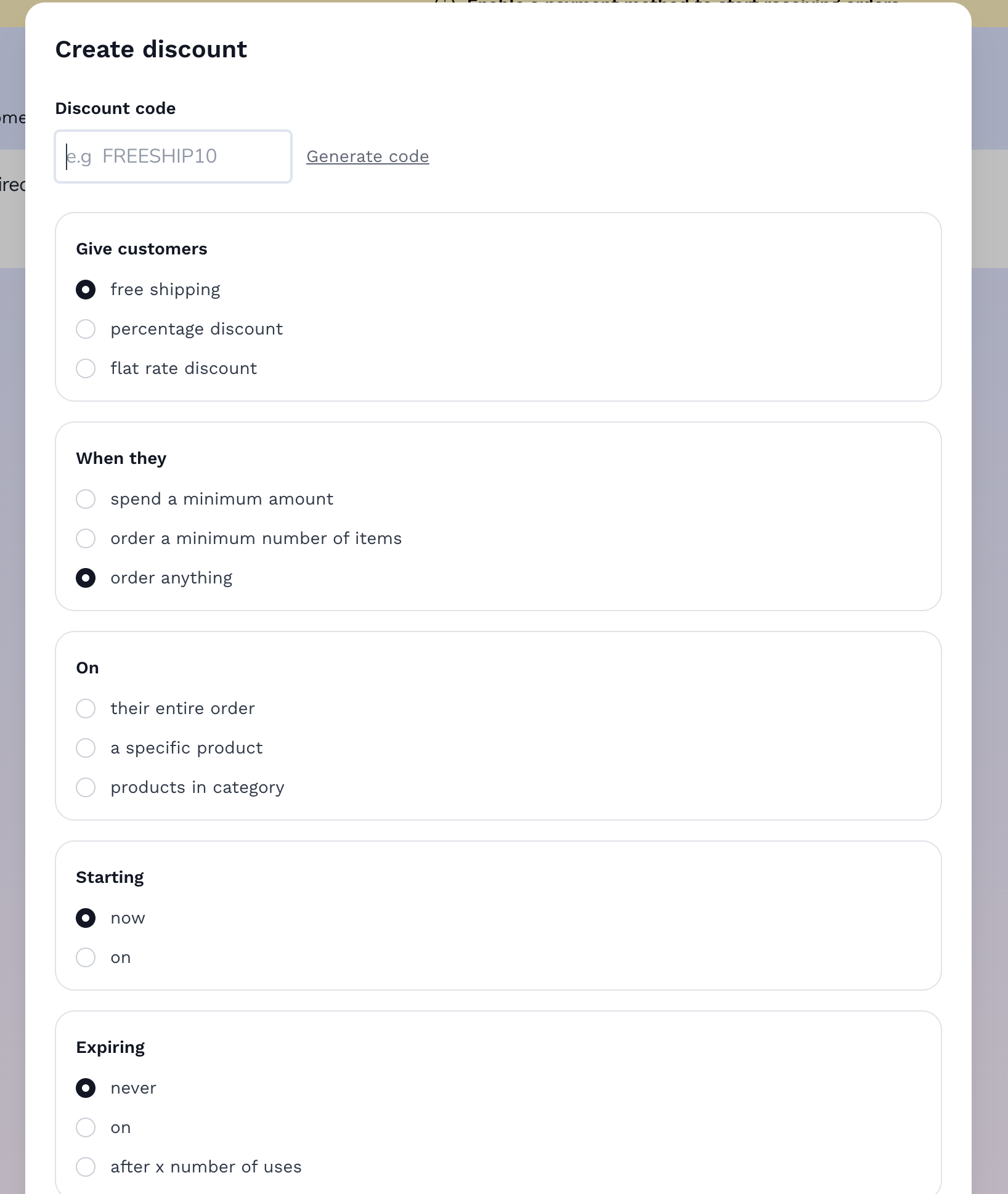
Discount code modal on Vendroad
Step 1: Set the Discount Code
This is the code your customers will type in at checkout. Keep it short, memorable, and relevant to the promotion. You can also generate one automatically.
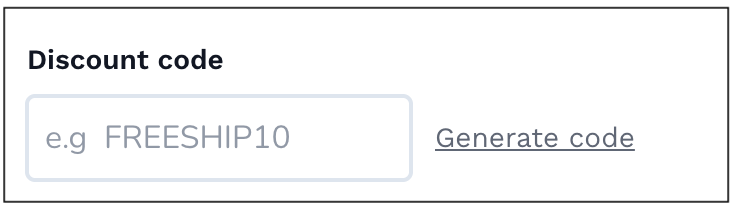
How to set discount code on Vendroad
Good discount code examples:
- WELCOME10 — for first-time customers
- SUMMER25 — for a seasonal sale
- FREESHIP — for a free shipping promotion
- VIP20 — for email subscribers or loyal customers
Avoid codes that are hard to type accurately on a phone, long strings of random characters cause more abandoned attempts than they're worth. Stick to a clear word or short phrase, ideally under 12 characters.
What to do:
- Enter your code in the Discount Code field
- Codes are automatically capitalized and are treated as case-insensitive, so customers can enter them capitalized or not.
- Avoid spaces or special characters
Step 2: Choose Your Discount Type
There are three discount types. Which one to use depends on what you're trying to achieve.
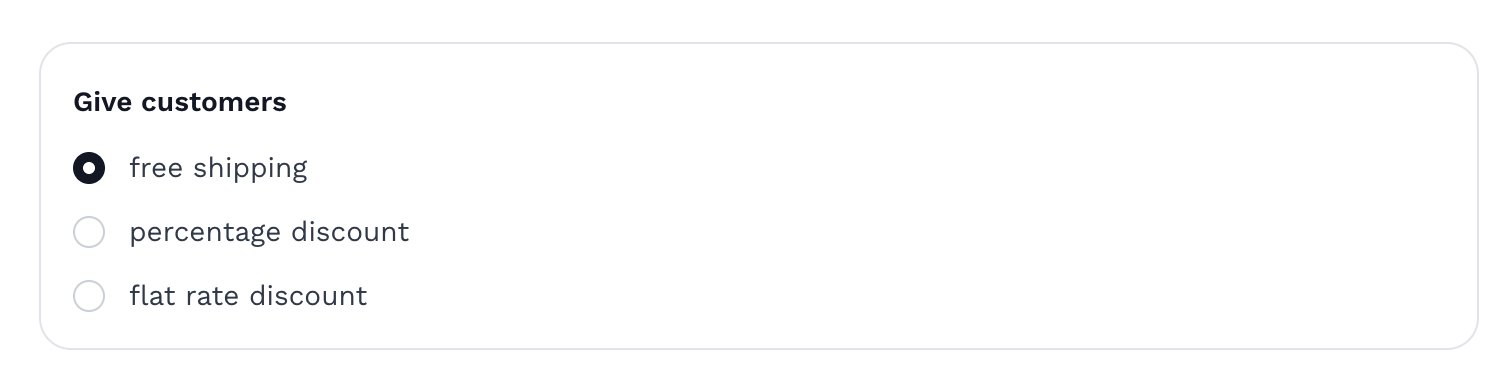
Discount type - what you offer customers
Free shipping Removes the shipping cost from the order entirely. This is often the single highest-converting discount type, since shipping cost is one of the most common reasons customers abandon a cart at checkout.
Percentage discount (e.g. 20% off) The most common type. Works well for general promotions, seasonal sales, and email campaigns. Scales naturally with order value, so it rewards larger purchases proportionally.
Flat rate discount (e.g. $10 off) Better for encouraging a specific action, like a first purchase or a minimum order size. A flat $10 off feels more concrete to a customer than a percentage, especially on lower-priced items where a percentage might only save them a dollar or two.
What to do:
- Select your discount type from the dropdown: Free shipping, Percentage, or flat rate
- Enter the value (e.g. 20 for 20%, or 10 for $10)
Step 3: Set Usage Limits and Conditions
This is where you control how the discount behaves; when it applies, how many times it can be used, by whom, and when it expires. Vendroad breaks this down into four steps for easy setup:
When it applies: This could be a minimum order value, or number of items ordered or it could be just that the customer is being rewarded for buying at all. A minimum order value is very common and requires a spend before the discount applies (e.g. "20% off orders over $50"). This is useful for increasing average order value rather than just discounting whatever a customer was already going to buy.
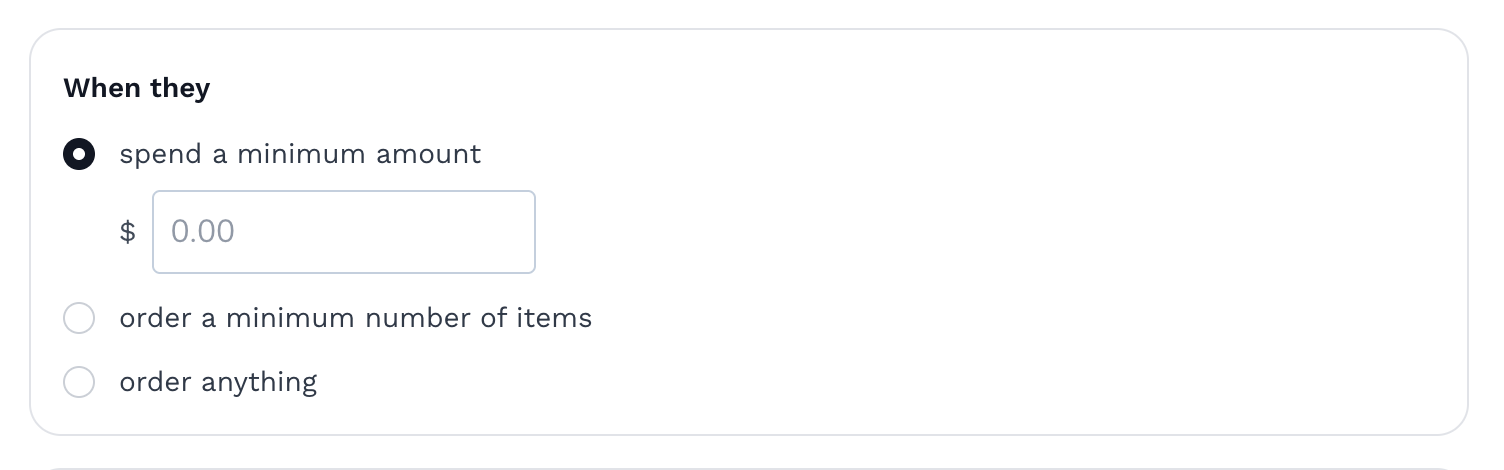
Enter minimum spend amount for when the discount applies
Applies to: Choose whether the discount applies store-wide, to a specific collection, or to individual products. A sitewide discount is simplest, but a collection-specific discount (e.g. "20% off all candles") lets you promote a specific product range without discounting everything.
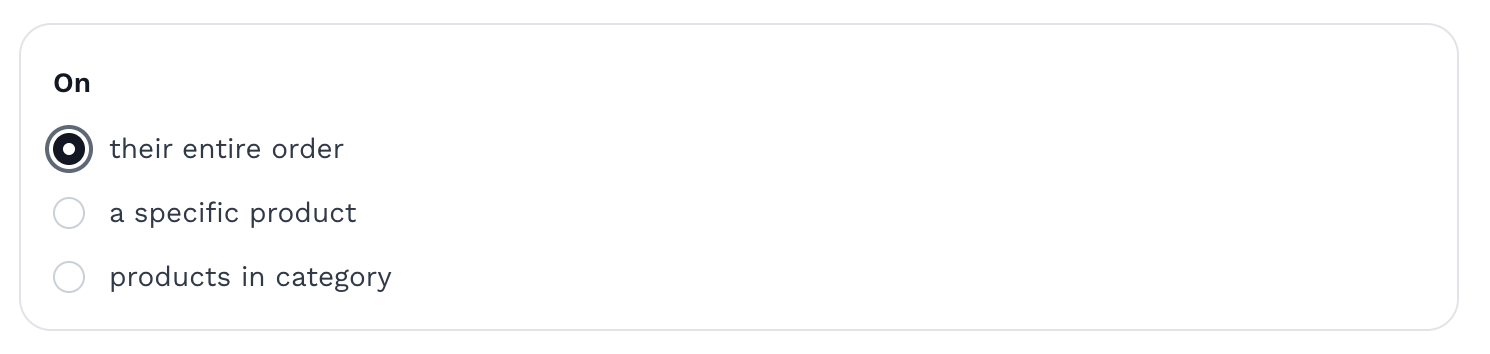
Specifying the products the discount applies to
Start and end dates: Set the discount to activate and expire automatically. This is particularly useful for seasonal promotions. Set it up in advance and it goes live and ends without you needing to remember to turn it off.
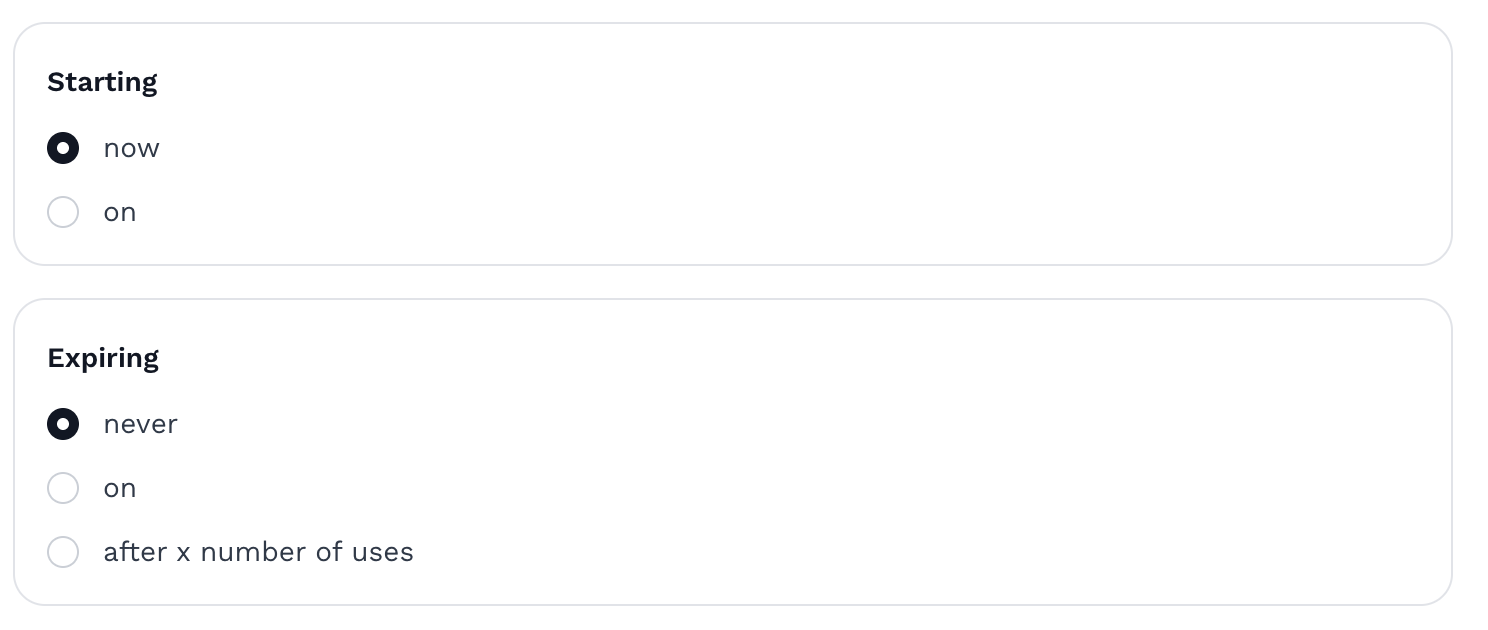
Set start and expiration date
Usage limit: Cap how many times the code can be used in total across all customers. Useful for limited promotions where you want to create urgency, or for capping the cost of a generous discount.
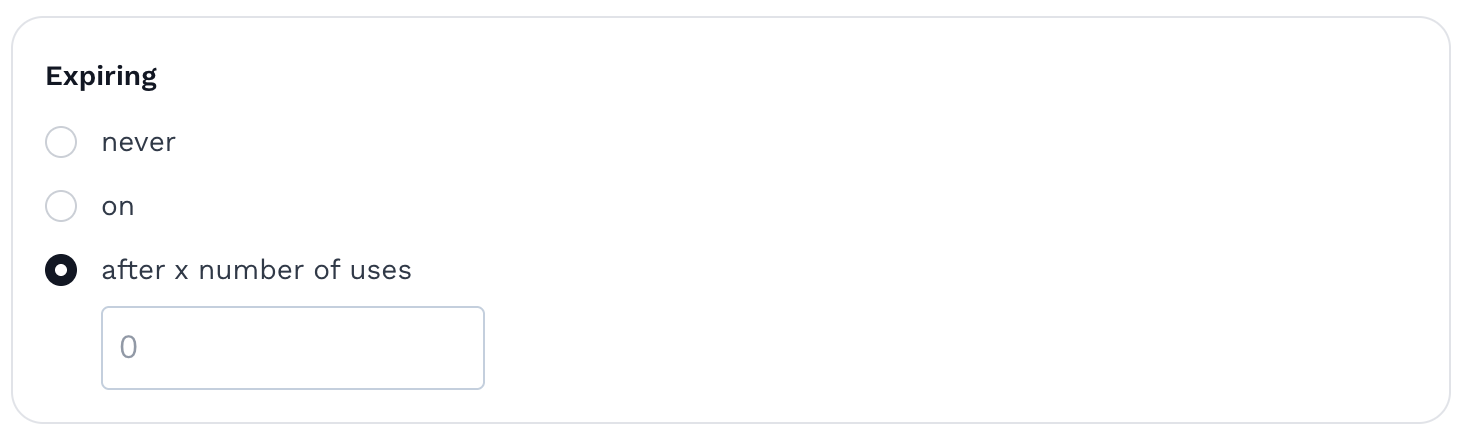
Set it to expire e.g after 100 uses
Automatic discounts: If you want a discount to be applied automatically if a customer meets the set of conditions, you can check the automatic box. This means whether the customer has a discount code to use or not, this will be automatically applied. (e.g "Free shipping on orders over $100") This will automatically striuke off their shipping fees at checkout, whether they have a code or not.
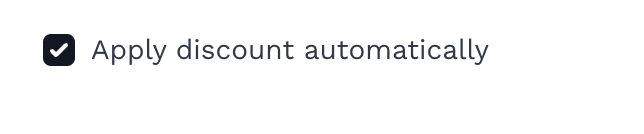
Code set to apply automatically in the dashboard
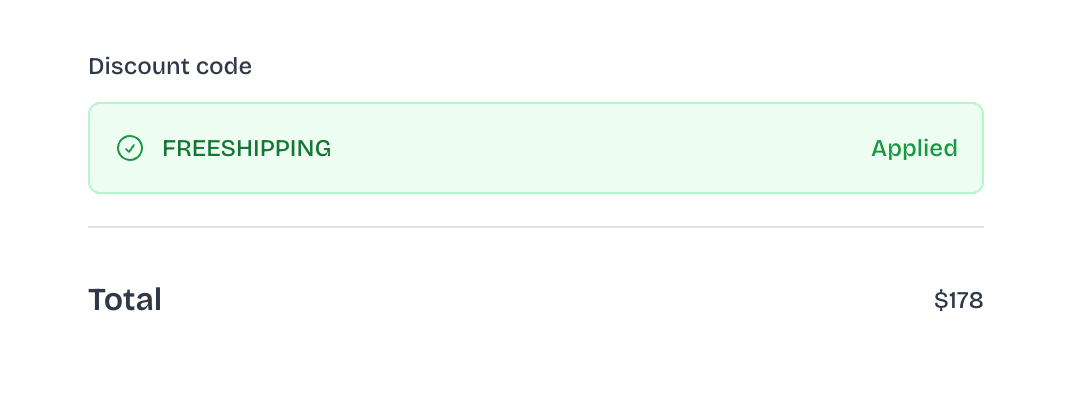
Code automatically applied at checkout
Step 4: Save and Test the Code
Before sharing a discount code with customers, test it yourself to make sure it behaves the way you expect.
What to do:
- Click "Create discount" to activate the discount code
- Open your store in a new browser tab
- Add a product to your cart
- Go to checkout and enter your discount code
- Confirm the discount is applied correctly — right amount, right scope, right minimum order value if you set one
- If something looks wrong, go back to Marketing → Discount Codes and edit the settings
This test takes two minutes and catches the most common mistakes: a percentage discount applied as a fixed amount by accident, a minimum order value set too high, or a code that doesn't match what you typed.
When to Use Each Type of Discount
A few practical examples for common situations:
Welcome discount for new subscribers Percentage discount (10–15% off), per-customer limit of one use, no minimum order value. Reward people for joining your email list without requiring them to spend a specific amount.
Abandoned cart recovery Fixed amount or percentage discount, sent automatically or manually to customers who left items in their cart. A small incentive (5–10%) is often enough to bring someone back to complete a purchase they were already considering.
Seasonal sale Percentage discount (20–30% off), sitewide or collection-specific, with clear start and end dates. Set it up in advance so it activates and expires automatically without manual intervention.
Free shipping threshold Free shipping discount, with a minimum order value set just above your average order value. This nudges customers to add one more item to their cart to qualify, increasing your average order value while still feeling like a win for the customer.
Loyalty or repeat customer reward Fixed amount discount, shared directly with past customers via email. This is one of the highest-converting discount types because it's targeted at people who have already bought from you and trust your store.
A Few Things to Avoid
Running too many discounts at once. If your store always has a sale running, customers learn to wait for one rather than buying at full price. Use discounts deliberately, with clear start and end dates, rather than as a permanent state.
Forgetting to set an end date. A forgotten discount code that stays active indefinitely can quietly erode your margins for months without you noticing. Always set an expiry, even a generous one, and review active codes periodically.
Making codes too complicated. A discount code that's hard to remember or type accurately on a phone will get abandoned at checkout more often than a simple one. Keep it short and obvious.
Not tracking which codes are working. Vendroad discount dashboard shows you how many times a code has been used. Check this periodically; if a code isn't being used, the promotion may need better visibility (email, social media, a banner on your store) rather than a different discount structure.
Frequently Asked Questions
Can I create more than one discount code at a time? Yes. You can create as many discount codes as you need, each with its own type, conditions, and usage limits.
Can a customer use more than one discount code on the same order? No, vendroad restricts checkout to one discount code per order by default. This prevents discounts from stacking in ways that could make an order unprofitable.
Do discount codes work on the free plan? On Vendroad, discount codes are included on every plan, including the free tier. There's no need to upgrade just to run a promotion.
How do I track how well a discount code performed? Your dashboard shows usage count for each code. And you can see in your order history when a discount code is applied.
Should I advertise my discount code publicly or keep it private? Both have a place. Public codes (shared on social media or your homepage) work well for broad promotions like seasonal sales. Private codes (shared via email or DM) work well for rewarding specific customers, like first-time buyers or people who abandoned a cart, without making the discount available to everyone.
Ready to set up your first discount code? Log in to your Vendroad dashboard and head to Marketing → Discount Codes — or start a free store if you haven't yet.