How to show the multicurrency widget on your store
·
2 min read
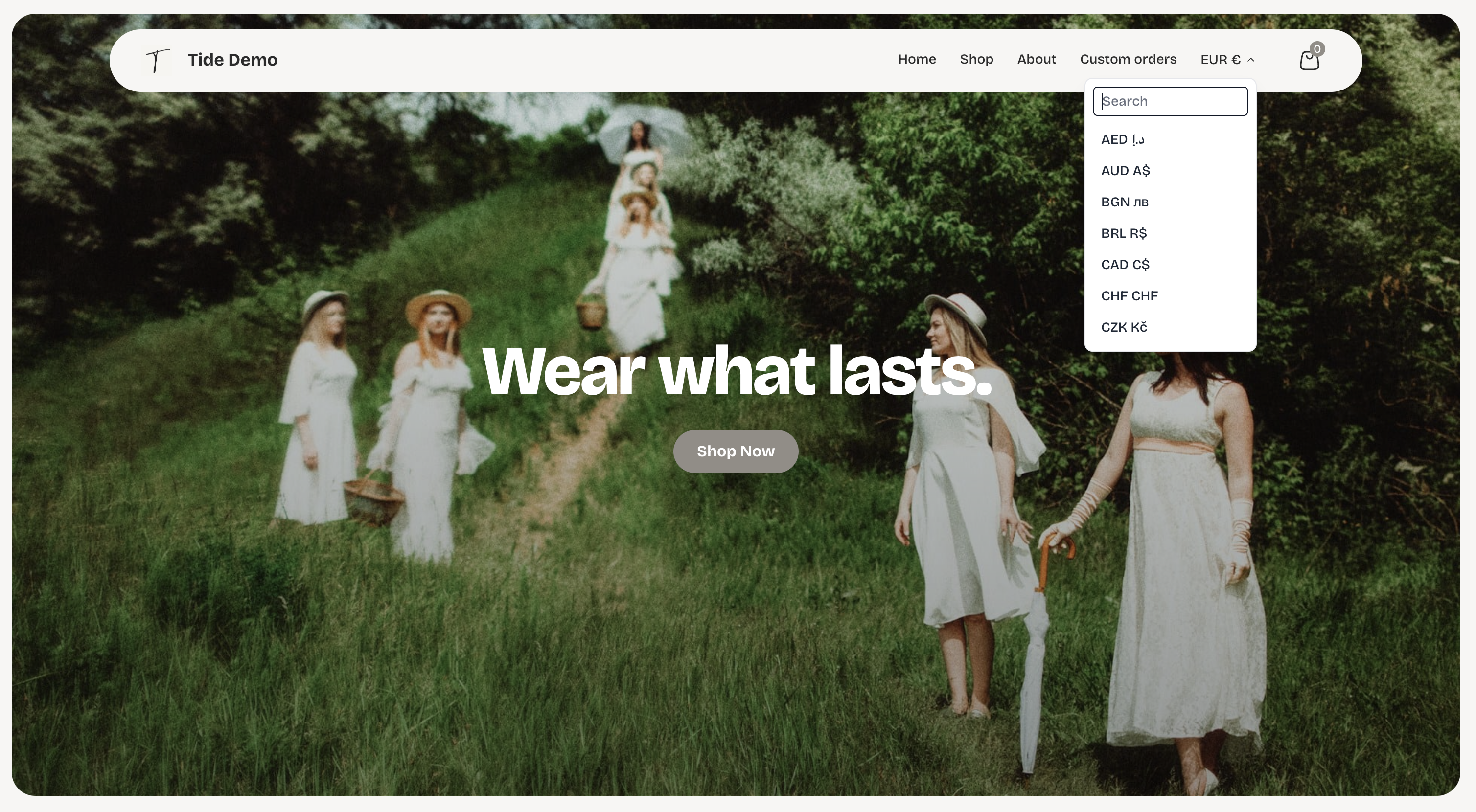
The multicurrency feature lets customers browse in the local currencies, while still getting paid in your own currency.
How to turn it on
Go to store settings > Store design > Add on features.
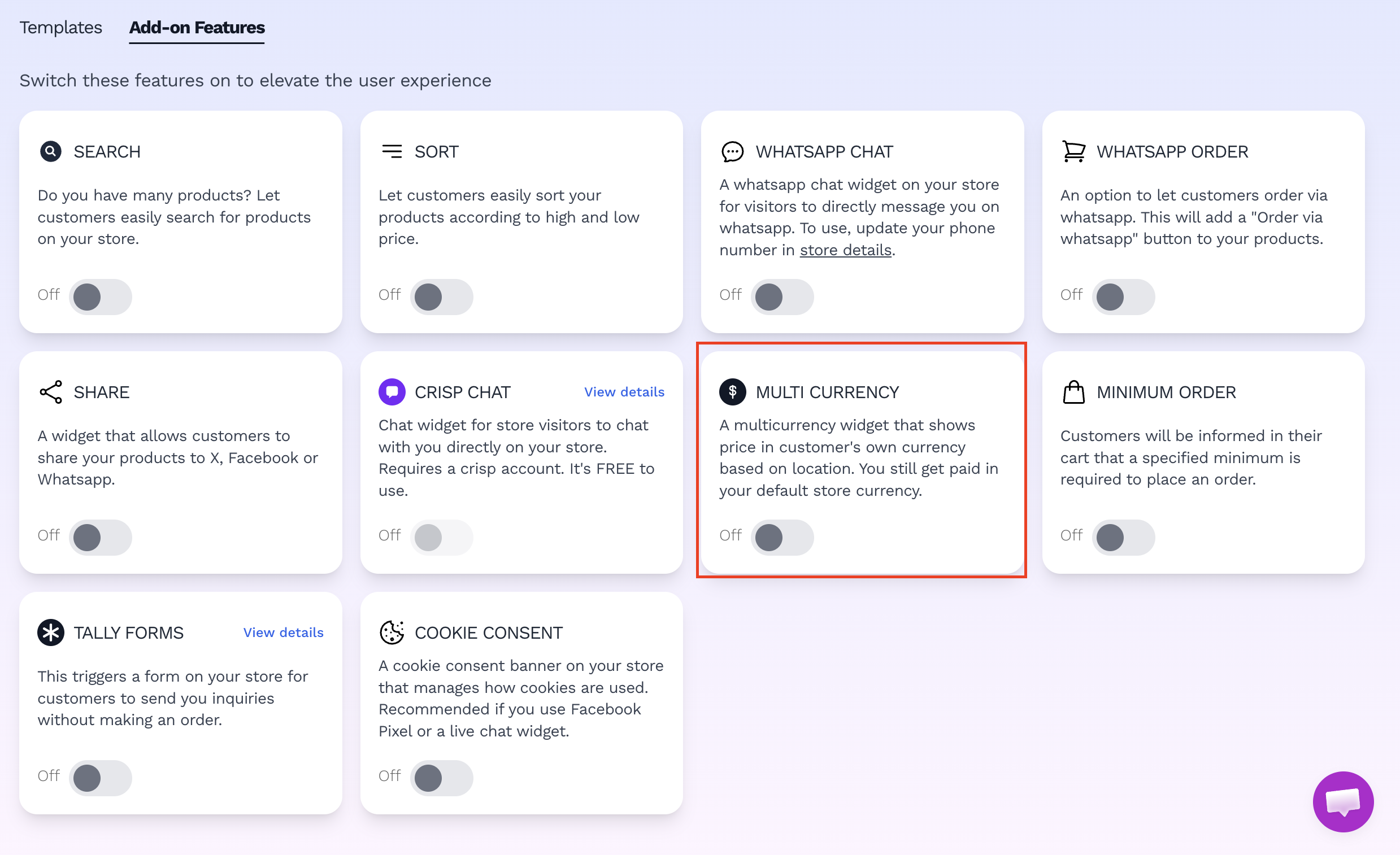
How to show the multicurrency widget on your vendroad store
How it works for shoppers
- The widget (when switched on) fetches the location of visitors on your store and displays the currency of their country the moment they land on your store.
- Every price on the store ( product pages, collections, cart) is shown converted into that currency, using a rate that's refreshed daily.
- Customers can still manually switch the currency if they prefer another. The whole store updates immediately, and the choice is remembered.
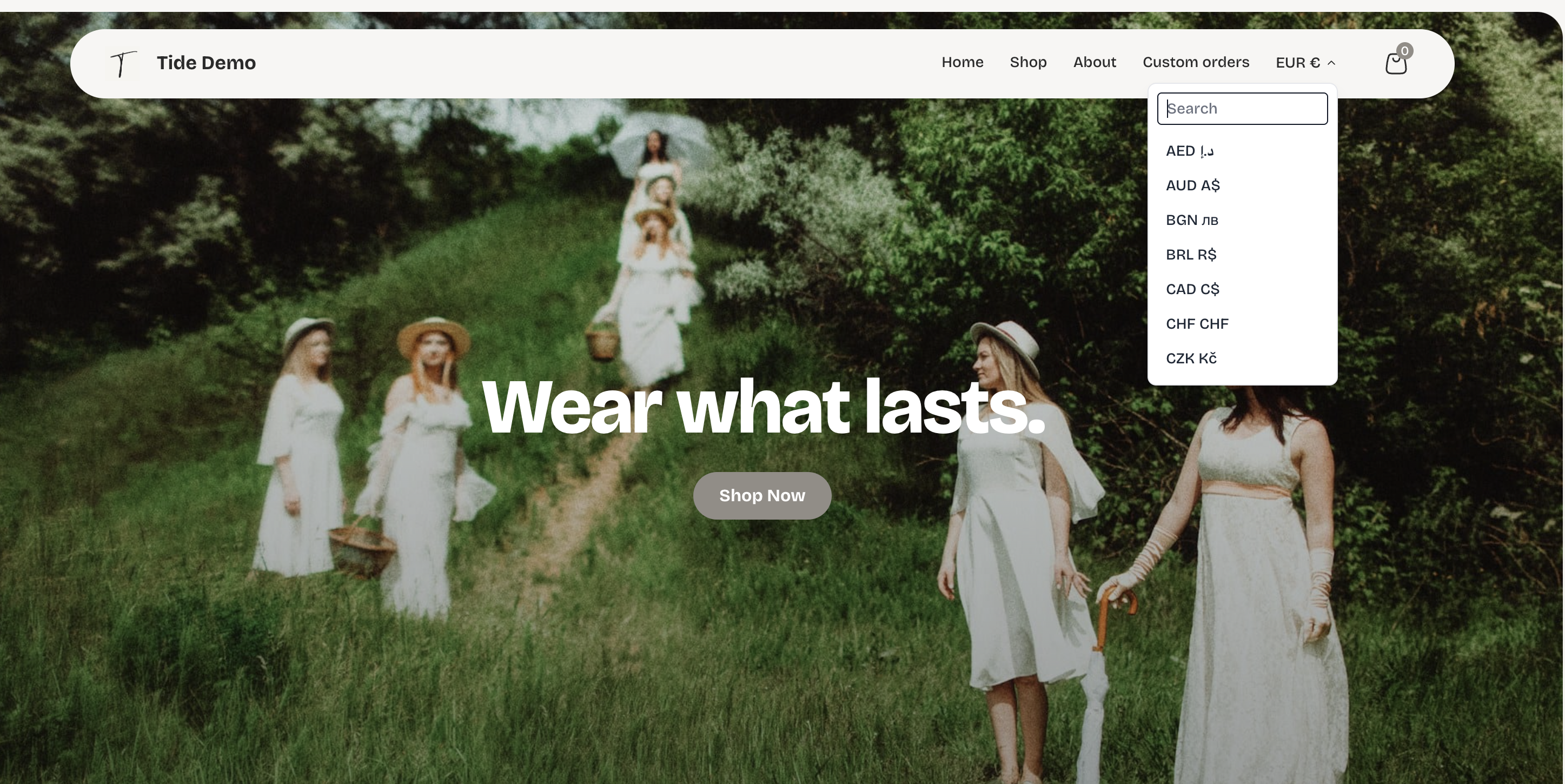
Automatic display in local currencies - but can still be changed
Important note: the currency switch only changes what's displayed. At checkout, customers are still charged in the store's own currency, the widget is a preview that displays the price in currencies familiar to customers, but it does not change payment currencies.