New: Blog for your store📝
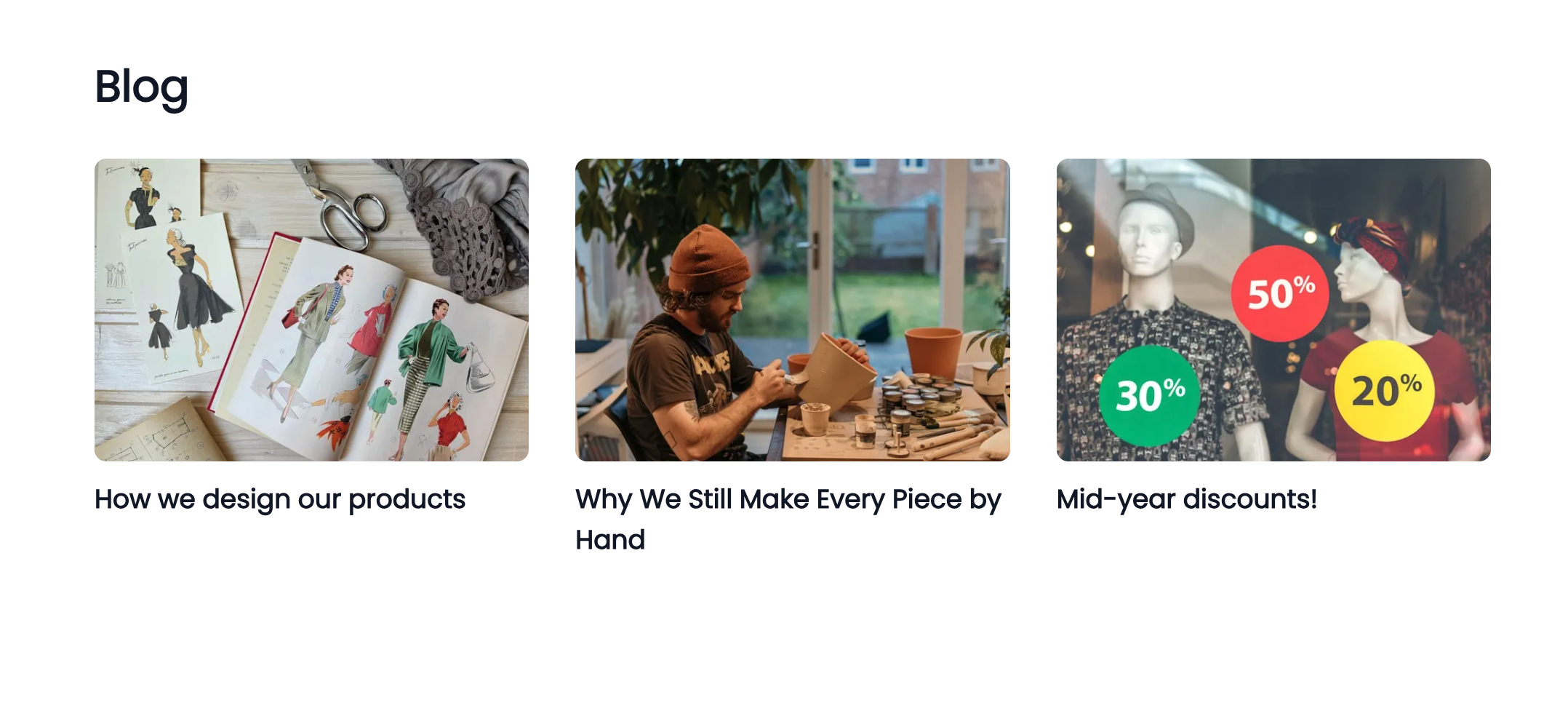
Stores on Pro and Business plans can now add a blog right on their storefront. Share product stories, style guides, or updates, with a full rich-text editor, cover images, drafts, and built-in SEO fields. Get started at Marketing > Blog in your dashboard sidebar.
Why we built this
A lot of brands on Vendroad sell more than products; you sell a point of view. Maybe it's the story behind a handmade collection, a "how to style this" guide, or an update on when your next restock drops. Until now, that meant sending customers off to Instagram or a separate blog platform. Now it lives right where your customers already are: your store.
What you can do
- Write and publish posts with a full rich-text editor: headings, images, formatting, the works.
- Add a cover image and excerpt so your posts look good wherever they're shared.
- Save drafts and publish when you're ready.
- Optimize for search with custom meta descriptions and keywords per post, so your content can actually get found.
- Show it in your header with one toggle, so customers can find your blog from anywhere on your store.
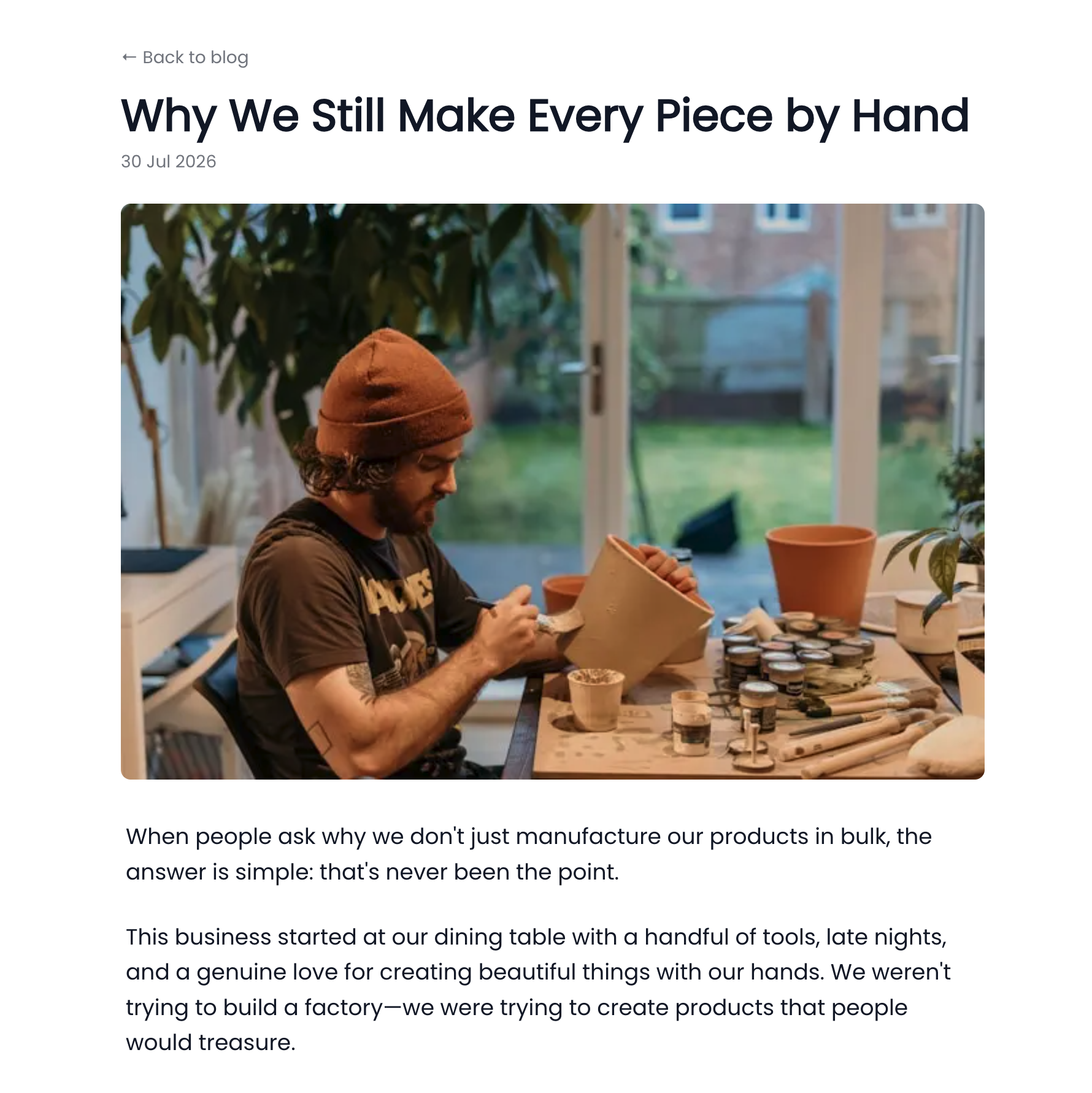
How your blog looks like
How to get started
- From your dashboard, head to Marketing > Blog in the sidebar.
- Click to create your first post; add a title, cover image, and your content.
- Save as a draft, or publish it straight to your store.
- Want it in your site header navigation? Flip on Show in header from the same settings.
That's it, no plugins, no separate account, no extra setup.
Who has access
This is available on Pro and Business plans. If you're on Free or Starter and want to start blogging, upgrading unlocks it instantly.
Got a great use for your new blog? We'd love to see it, share a link via your dashboard chat. Happy writing!
— The Vendroad Team