New: Size Guides 📏
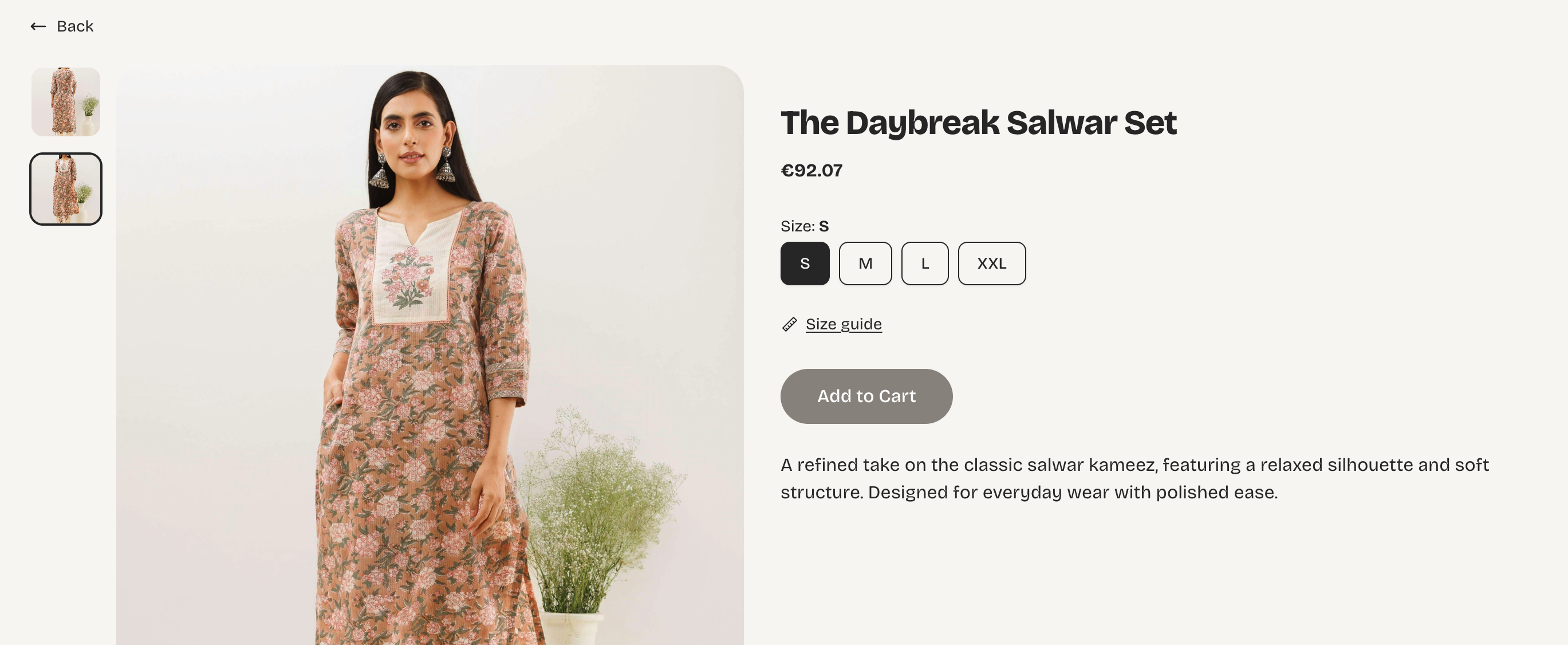
You can now add size guides to your products: sizing tables, charts, or images that customers can check right on the product page before they buy. Available to every store, on every plan.
Why we built this
If you sell clothing, shoes, jewelry, or anything where fit matters, you already know the drill: customers hesitate, ask the same sizing questions over and over, and sometimes just don't buy rather than risk getting it wrong. A size guide answers that question before it's even asked, right where the customer is already looking.
How it looks to your customers
A Size guide link appears right on the product page. One click opens the guide in a popup, no navigating away, no losing their place in checkout.
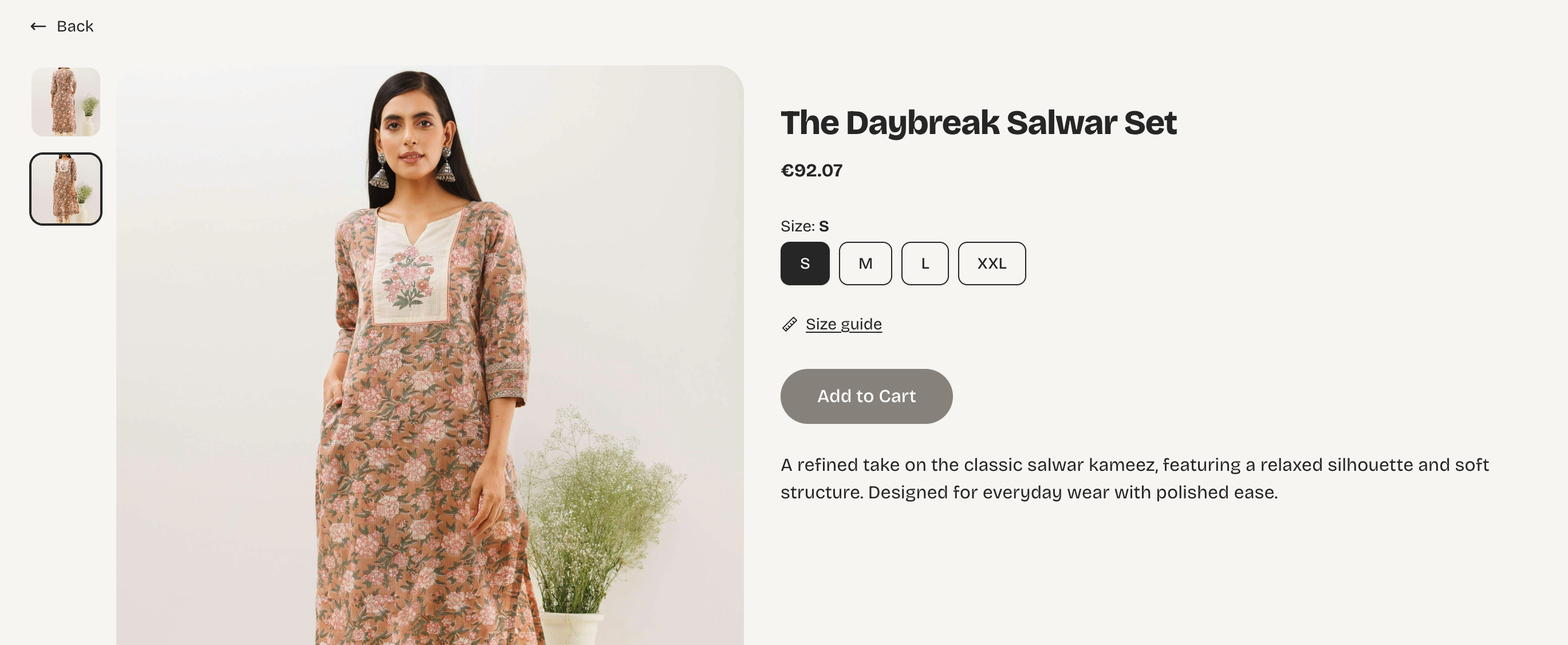
How size guide is linked on your store
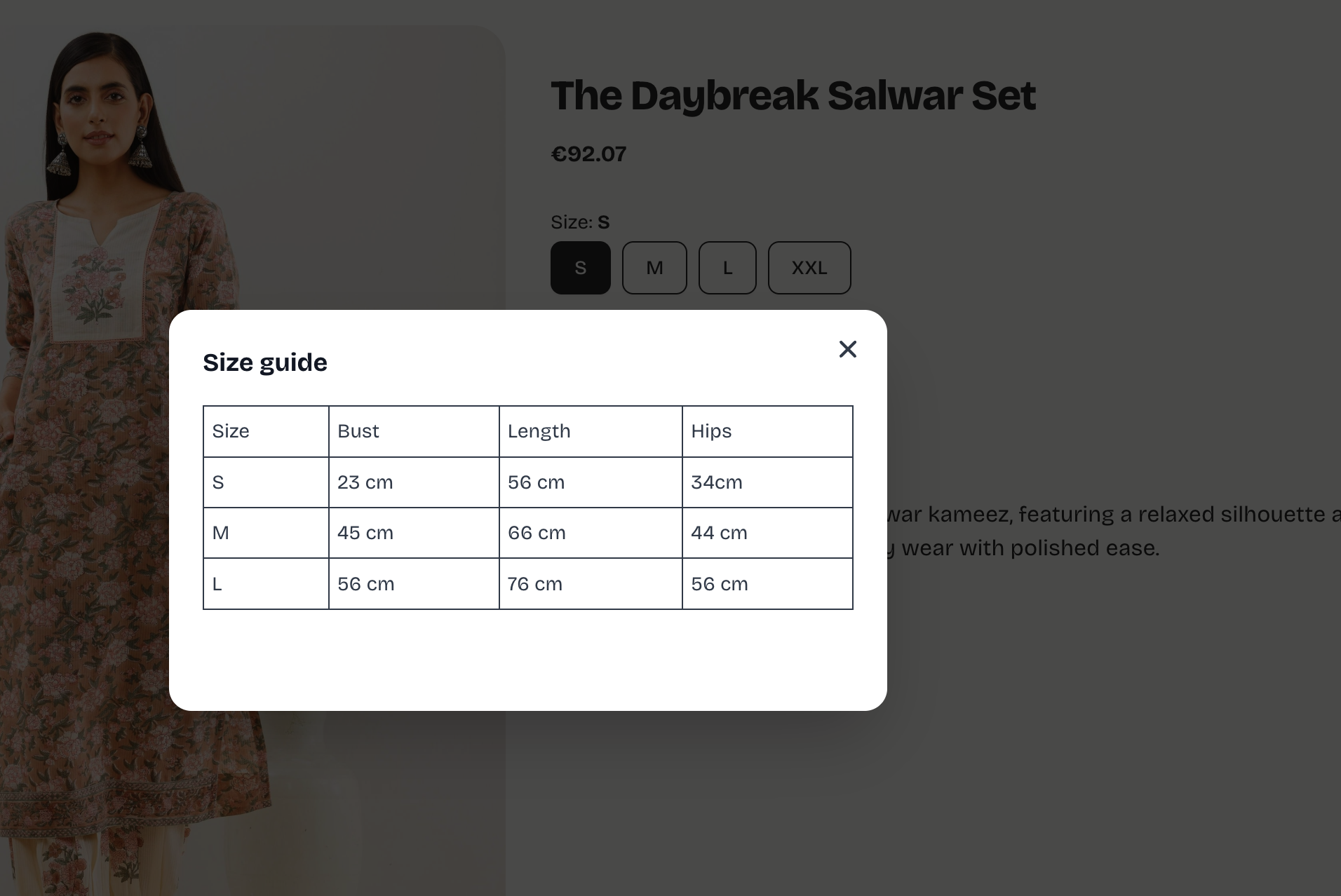
Size guide modal once clicked
What you can do
- Create a size guide and use it for multiple products: create a guide and attach it to as many products as you like, so you're not rebuilding a sizing table for every T-shirt or dress you list.
- Use a table or an image: build a sizing table directly in the editor, upload a photo of your own size chart, or do both in the same guide.
- Keep guide names private: the guide's internal name is just for your own organization; customers only ever see the actual sizing content.
- Edit in one place, update everywhere: change a guide once and it updates instantly on every product it's attached to.
Who has access
Everyone — Free, Starter, Pro, and Business. No upgrade needed.
How to get started
From your dashboard, go to Products, then the Size guides tab. Read more in details how to create size guide here.
Selling something where sizing questions slow down your sales? This is built for exactly that. Give it a try and let us know what you think.
— Vendroad Team