How to Create a Link-in-Bio Store That Actually Sells
You have built the following. People are watching your content, liking your posts, and sliding into your DMs asking where they can buy your work. And then they hit your bio link and nothing happens.
Maybe it goes to your homepage, which is too general. Maybe it goes to a Linktree page with eight different links and no clear hierarchy. Maybe you have not updated it since last October. Whatever the reason, the click does not convert into a sale.
This guide covers exactly how to fix that. How to set up a link-in-bio store that turns followers into buyers, what the most common mistakes are, and how to keep it working without constant maintenance.
The average link-in-bio click-through rate sits around 2 to 4%. Optimised setups can reach 8 to 10%. The gap between those numbers is almost entirely about what happens after the click, not how many followers you have.
Why Most Bio Links Do Not Convert
The most common mistake creators make with their bio link is treating it as a redirect rather than a destination. They drop in their website URL, assume interested followers will figure it out, and move on.
The problem is the mismatch. A follower watches your Reel about a new candle you just made. They're interested. They tap your bio link hoping to buy it or learn more. Instead they land on a homepage designed for everyone, with no clear path to that specific candle. They scroll for a few seconds, lose the thread, and leave.
The moment of interest is brief. Your bio link needs to meet it precisely -- not redirect it somewhere general and hope for the best.
The three most common bio link mistakes
- Linking to a homepage instead of a store, a product page, or a focused landing page
- Too many options: more than five links causes decision paralysis; visitors click nothing when they cannot quickly decide what matters
- Static links: a link that never changes is a link that never matches the current moment; the post you published today will drive traffic that your month-old bio link is not set up to capture
What a Good Link-in-Bio Store Actually Looks Like
The best link-in-bio setups for creators who sell things share a few common traits. They are fast to load on mobile. They look like an extension of the creator's visual identity rather than a generic link aggregator. They surface a small number of clear choices. And they make it easy to buy without multiple steps.
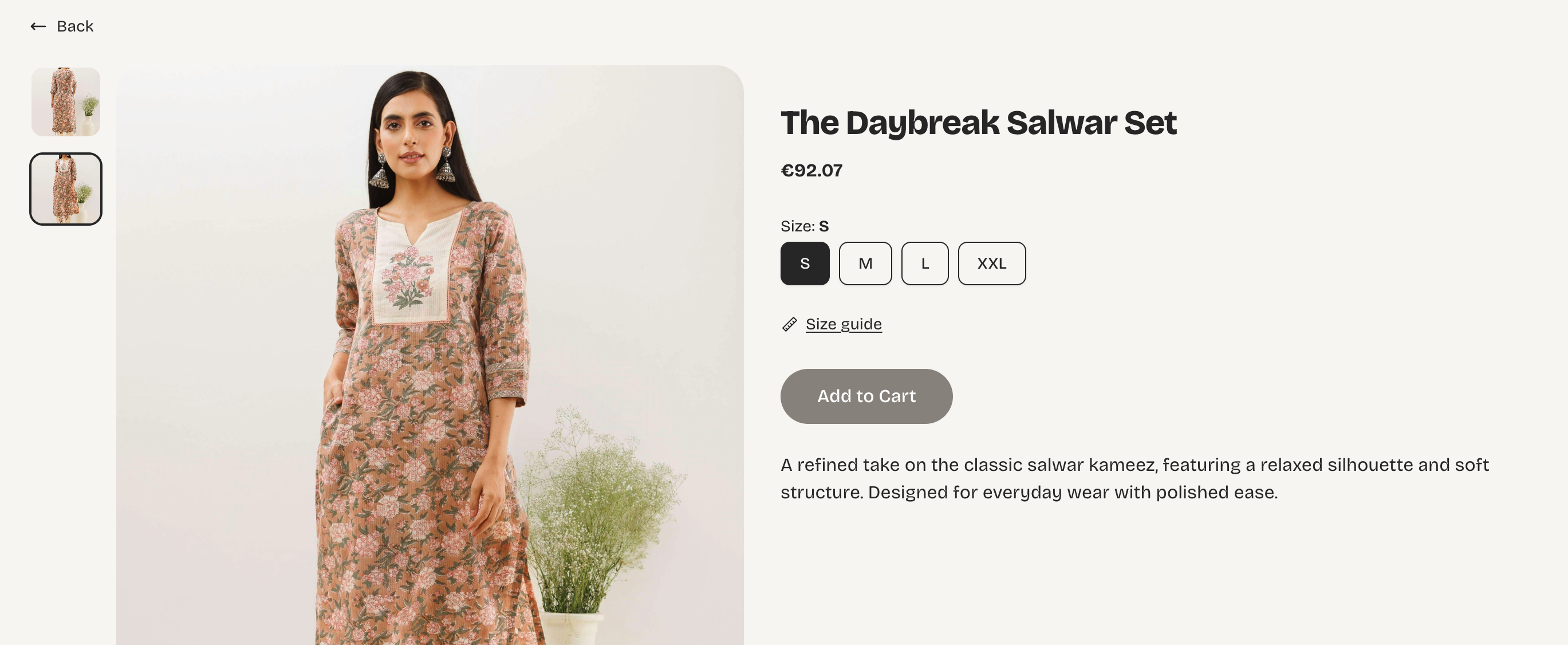
A link-in-bio store is different from a link aggregator like Linktree. Rather than a list of destinations, it is a minimal storefront, your top products, presented cleanly, with a buy button. The visitor's intent when they click from Instagram or TikTok is usually specific: they saw something they liked and want to get it. Your job is to make that as frictionless as possible.
Think of your link-in-bio store as the express checkout for your social media audience. They already want to buy. Your job is to not get in the way.
What to include
- Your 3 to 5 bestselling or most relevant products - not your entire catalogue
- A clear store name and short description so visitors know immediately what you sell
- Product photos that match your feed aesthetic - consistency builds trust
- A direct purchase path - one tap to add to cart, not three pages of navigation
- A WhatsApp or contact button for buyers who want to ask a question before purchasing
How to Set Up Your Link-in-Bio Store With Vendroad
Vendroad has a dedicated link-in-bio store feature (see vendroad.com/linkinbio) built specifically for creators who drive traffic from Instagram, TikTok, and Pinterest. Here is how to set it up in under 30 minutes.
Step 1 -- Choose a mobile-first template
Start with a theme from vendroad.com/templates that matches your visual identity. For link-in-bio traffic, mobile optimisation is non-negotiable -- the overwhelming majority of your visitors will arrive on their phones. Pick something clean, fast-loading, and close to the colour palette and vibe you use on your social content.
Step 2 -- Add your hero products
Do not add everything you sell. Choose three to five products that are your current bestsellers, your most giftable items, or whatever you are actively promoting in your content right now. Write short, punchy descriptions -- one or two sentences that tell the buyer what it is and why they want it. Lead with what makes it special.
Step 3 -- Match your bio copy to your store
Your Instagram or TikTok bio text should set up the click. If your store is currently featuring a new product launch, your bio should reference it: "New ceramic collection live. Link below." If you are running a limited offer, say so. The closer the match between what your bio promises and what your store delivers, the higher your conversion rate.
Step 4 -- Set up your payment method
Vendroad supports Stripe and direct bank transfer (see vendroad.com/features). Make sure your payments are active and tested before you drive traffic. A buyer who cannot check out on their first attempt rarely comes back.
Step 5 -- Put your Vendroad link in every bio
Add your store URL to your Instagram bio, TikTok bio, Pinterest profile, and anywhere else your audience finds you. Use a consistent URL so you do not have to update every platform individually when your store changes; only the content inside the store needs to change.
Step 6 -- Update your featured products regularly
This is the step most creators skip. Updating your store to match your current content, new products, seasonal offers, whatever you are posting about this week, is the single biggest driver of conversion rate improvement. When your bio link delivers exactly what your latest post was about, you capture the moment of interest rather than redirecting it somewhere stale.
Link-in-Bio Store: Do This, Not That
| Do this | Not this |
|---|---|
| +Link to your store or a specific product page | xLink to your homepage with no clear next step |
| +Use a short, action-driven CTA in your bio text | xLeave your bio text generic with no instruction |
| +Feature your 3 to 5 bestselling products prominently | xList every product you sell with no hierarchy |
| +Match your store's visual style to your feed aesthetic | xUse a store that looks nothing like your social content |
| +Update your link when you have a new launch or offer | xSet the link once and never change it |
| +Make sure your store loads fast on mobile | xSend followers to a desktop-only or slow-loading page |
Making Your Link-in-Bio Store Work Across Platforms
Instagram now allows up to five links directly in your bio, which reduces the need for a separate link aggregator. That said, a single link to your Vendroad store is almost always more effective than five scattered links. It gives visitors a clear next step rather than a set of choices. Reference your store link in your captions with a simple "link in bio" CTA when you post about a product.
TikTok
TikTok requires a business or creator account, plus at least 1,000 followers, to add a clickable bio link. Once you have access, your Vendroad store URL is the right destination especially if you sell physical products, since TikTok's audience skews toward impulse-purchase behaviour. Keep your bio CTA short and specific: "Shop my ceramics - link in bio" outperforms a generic "check out my store."
Pinterest traffic is slower to build but compounds over time in a way that Instagram and TikTok do not. Each pin can link directly to a product page on your Vendroad store, which means your Pinterest presence can drive sales long after you posted the content. For makers selling visual products (prints, jewellery, ceramics, textiles) Pinterest is underused and worth prioritising.
One store, every platform. Your Vendroad store URL stays the same regardless of which social platform sends the traffic. You update the store once and every bio link reflects it automatically.
Frequently Asked Questions
What is a link-in-bio store?
A link-in-bio store is a mobile-optimised storefront that lives at your social media bio link. Instead of sending followers to a general website or a list of unrelated links, it presents your products directly so visitors can browse and buy in one place. It is specifically designed for the way social media traffic behaves: fast, mobile, and with a short attention span.
Is Linktree the same as a link-in-bio store?
No. Linktree and similar tools are link aggregators - they give visitors a list of destinations to choose from. A link-in-bio store is an actual storefront where visitors can view products, add them to a cart, and complete a purchase. For creators who sell physical products, a store converts at a significantly higher rate than a link list.
How many products should I feature in my link-in-bio store?
Three to five is the sweet spot for most creators. Enough to show range without creating decision paralysis. Lead with your bestsellers or whatever you are actively promoting in your content that week. You can always have more products available deeper in the store - the link-in-bio view is just the front window.
How do I get more people to click my bio link?
Mention it specifically in your content rather than relying on a generic "link in bio" at the end of every caption. Be specific about what they will find: "My new print collection is live - link in bio" drives more clicks than "shop my store - link in bio". Also make sure your bio text itself includes a clear call to action pointing to the link.
Does Vendroad have a link-in-bio feature?
Yes. Vendroad's link-in-bio store feature is built for creators who drive traffic from social media. It is mobile-first, fast-loading, and can be customised to match your visual identity. You can set it up at vendroad.com/linkinbio and have it live in under 30 minutes.
Turn your followers into buyers today
Vendroad's link-in-bio store is built for creators who sell. Mobile-first, fast to set up, and designed to convert social media traffic into actual sales. Start free with up to 5 products - no credit card required.
Set up your store at vendroad.com/linkinbio